The Discussion Groups widget allows organized discussions to occur among groups of users.
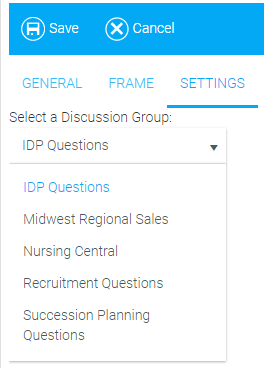
The only editable option for this widget is the Select a Discussion Group drop-down menu.
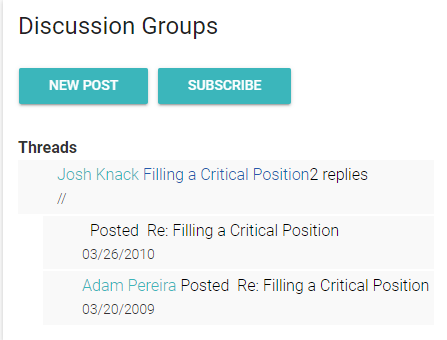
Once the Discussion Group widget is configured, you will see New Post and Subscribe buttons. If you're already subscribed to the Discussion Group, you will see an Unsubscribe button.
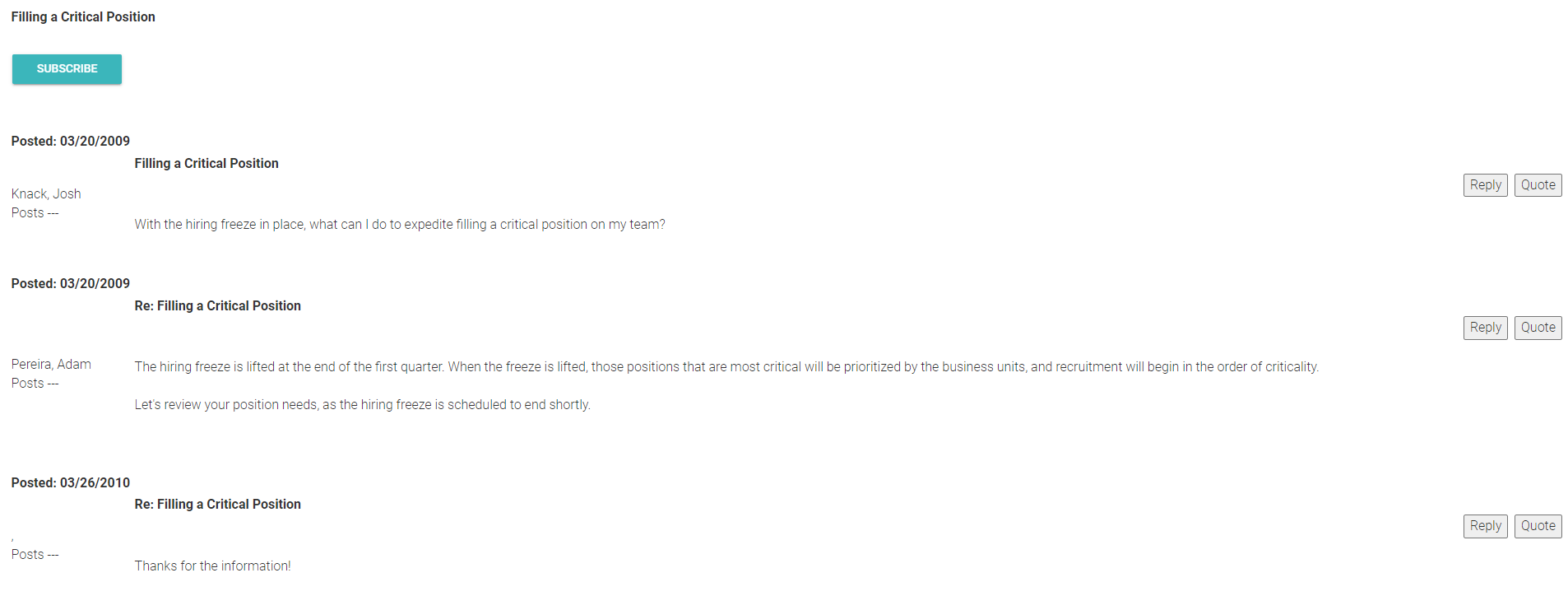
The Discussion Group Threads provide a glimpse of recent activity that has occurred within the Discussion Group. You can click the links to be taken to the threads where you will be able to see the complete conversations.
Within each thread, you can reply to or quote any comment. After clicking either of these buttons you will be presented with a rich text editor that will allow you to customize your comment.
You can also click the Subscribe button to subscribe to that particular thread.